Updated: 10/28/2025
NOTE: If your device doesn't meet the minimum requirements, you'll need to use Outlook Web Access (aka: webmail) for email.
| Setup Apple iPhone & iPad devices for @kkg.org Minimum Supported: iOS 18 & iPhone XR/XS/SE (2018) |
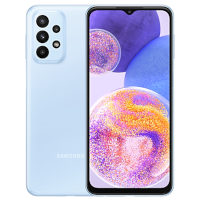
Setup Android for @kkg.org Note: Remember to choose Activesync, 365 or Exchange, not Outlook Minimum Supported: Android 10+ (ie: Google Pixel 3a or Samsung S10) [2019] |
 |
 |
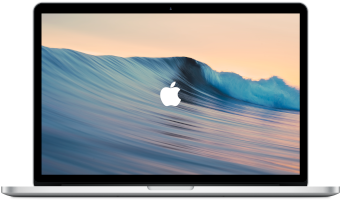
| Setup Apple Mail on Mac for @kkg.org Minimum Supported: macOS Sonoma 14 (2018) |
Setup Outlook on Windows for @kkg.org Minimum Supported: Windows 11 (2021) |
 NOTE: Do not follow the IMAP or POP instructions. |
 |
| |||||||||||||||||||||||||||||||||
2016 - © Kappa Kappa Gamma | KKG Login (aka: Outlook Online / Webmail / Email Web Portal)